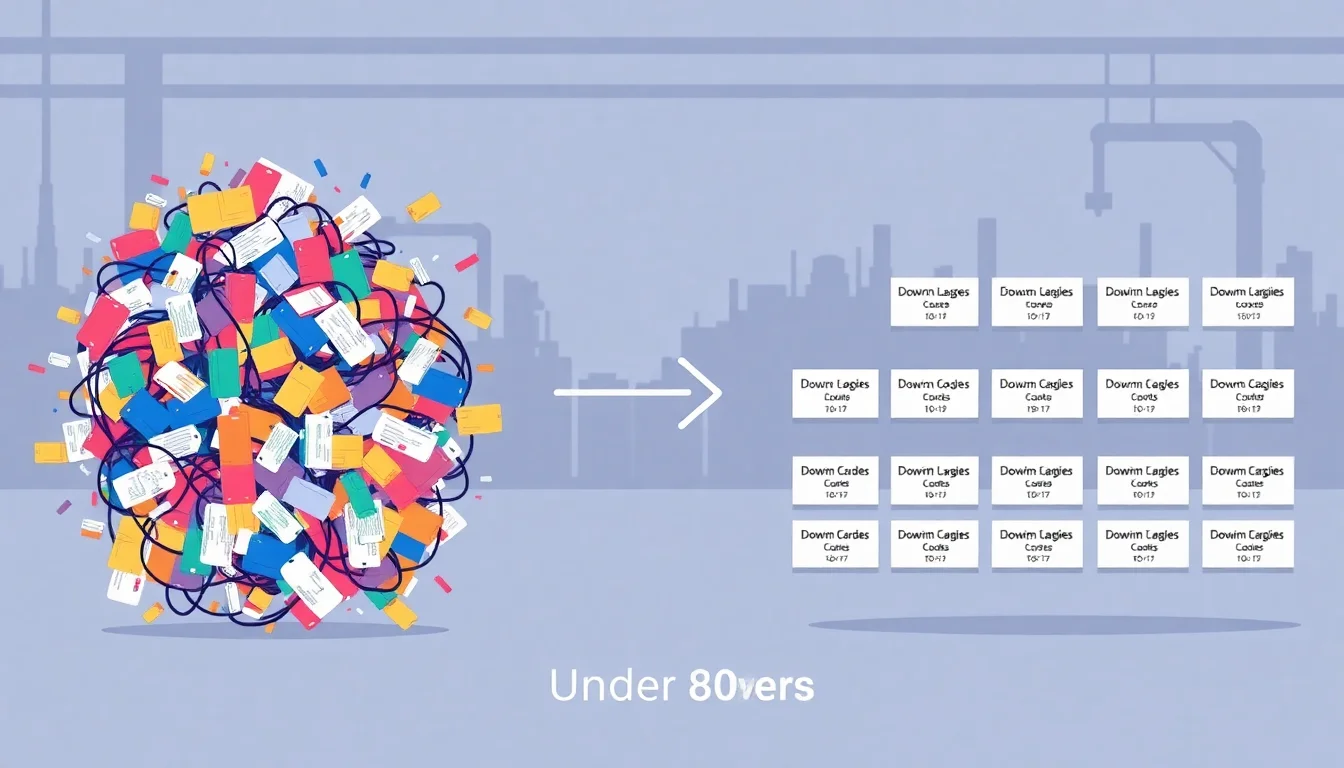
To organize downtime codes for actionable insights, standardize your taxonomy into 4–6 top-level categories (equipment, labor, material, process, scheduled, external), limit total codes to under 30, assign clear ownership per code, and map every code to a corrective action. Consistent categorization turns floor data into decisions that reduce unplanned downtime and labor waste.
Why Disorganized Downtime Codes Are Costing You More Than You Think
Most manufacturers track downtime. Few track it well. When operators reach for "miscellaneous" or "other" because nothing else fits, that event disappears into a black hole. The stoppage happened. The production loss is real. But the data is gone.
Unplanned downtime is far and away the most dangerous form of downtime, accounting for 80% of total downtime and costing three to five times more than planned downtime (getmaintainx.com). That's a staggering exposure. And yet 31% of organizations report that unplanned incidents are more expensive than they were the previous year (getmaintainx.com), even as operational technology improves. The culprit is often not the equipment or the workforce. It's the data.
Operations leaders end up making staffing and scheduling decisions on gut feel because the underlying data is untrustworthy. That's a structural problem, and it starts at the code level.
The Hidden Cost of "Miscellaneous" and "Other" Downtime Codes
Catch-all codes are the silent killers of production analytics. Every minute logged under "other" is a minute that cannot be trended, compared across shifts, or tied to a corrective action. These codes don't just waste data. They actively mislead you.
Labor-related losses are the most common victims. Late line starts, changeover delays, understaffing during peak hours, and inadequate onboarding for temporary workers all tend to collapse into catch-all buckets. The result is inflated OEE scores that look fine on paper while your actual Overall Labor Effectiveness (OLE) tells a very different story. Production downtime analysis becomes meaningless when the largest category is "unknown."
Fix it first.
How Poor Coding Disconnects Workforce Data from Production Outcomes
MES and ERP systems are built to track machine states and material flow. They weren't designed to capture the human variable behind a stoppage. A line goes down because a staffing agency sent three fewer workers than scheduled. The MES logs an availability loss. Nothing connects that loss to the workforce event that caused it.
This disconnect creates two separate pictures of the same production loss, one in operations and one in finance, with no bridge between them. Staffing agencies and plant managers cannot align on workforce performance when the underlying data is inconsistent. MES workforce integration is the technical solution, but it requires clean downtime codes as its foundation.
The Anatomy of a Clean Downtime Code Taxonomy
A well-structured downtime taxonomy has three levels: category (L1), cause (L2), and contributing factor or owner (L3). Each level adds specificity without overwhelming the operator making the entry.
Your L1 categories should be mutually exclusive and collectively exhaustive. Every event fits exactly one bucket. No debate on the floor. Recommended L1 categories are: Equipment Failure, Labor/Workforce, Material/Supply, Process/Quality, Planned/Scheduled, and External.
Labor/Workforce as its own top-level category is non-negotiable for any manufacturer trying to tie workforce spend to output. Without it, your workforce intelligence platform has nothing clean to analyze.
Keep your total active codes under 30. Industry guidance from Vorne recommends capturing up to 25 downtime reasons, noting that beyond that threshold operator compliance drops sharply (vorne.com). This isn't a hard ceiling. It's a discipline.
Building Your L1–L3 Code Hierarchy: A Practical Framework
Start with L1 by mapping your last 90 days of downtime events to the six universal categories before you create a single subcode. This exercise will immediately surface where your current codes are duplicated, missing, or misapplied.
L2 codes should reflect what an operator can directly observe on the floor, not a root cause that requires engineering investigation. If an operator has to guess to pick the right code, the code is wrong.
L3 attributes ownership: which department, shift, or staffing source is responsible. This enables accountability without blame culture.
A concrete example for beauty contract manufacturers: L1 = Labor/Workforce | L2 = Late Line Start | L3 = Staffing Agency Placement Delay. That single coded event, logged consistently, feeds directly into shift performance metrics, OLE calculations, and staffing agency performance data reviews. Three levels. One event. Fully actionable.
Post a plain-language definition for every active code at the workstation. Ambiguity kills data quality. Laminated card, HMI screen, digital display. It doesn't matter. Post it.
Separating Planned vs. Unplanned Downtime in Your Code Structure
Mixing planned maintenance and unplanned failures in the same category distorts your availability metrics in ways that can take months to untangle. Scheduled downtime codes for changeovers, sanitation, and breaks must be isolated completely.
Tracking your planned-to-unplanned ratio over time is a leading indicator of maintenance and scheduling maturity. As that ratio improves, your unplanned downtime reduction story becomes quantifiable and defensible. That matters when you're reporting to clients in contract manufacturing or 3PL operations.
Step-by-Step Process to Reorganize Your Existing Downtime Codes
Reorganizing a live downtime code system is a change management project, not just a data cleanup. Treat it that way.
Step 1: Audit your current code list. Export every code used in the last 12 months. Flag duplicates, catch-alls, and orphaned codes that haven't been touched in six months. Dead codes add cognitive load without adding value.
Step 2: Run a cross-functional workshop. Bring operations, maintenance, quality, and HR or staffing into the same room. Each group sees downtime differently. All perspectives belong in the taxonomy.
Step 3: Map legacy codes to the new taxonomy before cutover. Never run parallel systems mid-production cycle. The mapping work is tedious but essential for data continuity.
Step 4: Write one-sentence definitions for every active code. Publish them at point-of-use. This step is skipped in most implementations. That's why most implementations fail.
Step 5: Train with scenarios, not slides. Give operators real events from the last 30 days and ask them to code each one under the new system. Debrief the disagreements. That's where definitions get sharpened.
Step 6: Run a 30-day data quality audit post-launch. Track catch-all code usage as your canary metric. If it's climbing, something in the taxonomy is still unclear.
Step 7: Close the loop. Tie codes to corrective action workflows so operators see their input creating real change on their own line. This is the single biggest driver of long-term adoption.
Running a Downtime Code Audit: What to Look for and What to Kill
The audit is straightforward. Pull your frequency distribution, sort descending, and challenge every code in the top 20% for specificity. Look for near-duplicate codes that operators use interchangeably. That pattern signals a definition problem or a UI problem, not an operator problem.
Codes that haven't been used in six months should be retired or consolidated. They exist only to slow down operators during entry and erode confidence in the system.
Getting Operator Buy-In Without Mandating Compliance
Operators adopt codes faster when they see the data lead to tangible fixes on their own line. Post weekly downtime summaries by category at shift start. Visibility creates ownership.
Involve line leads in code definition reviews. They know the floor vocabulary better than any consultant. When the language in the system matches the language they use every day, compliance follows naturally.
At Elements Connect, we've seen this pattern repeatedly: the plants with the cleanest downtime data are the ones where frontline workers helped write the code definitions. Buy-in isn't mandated. It's earned.
Connecting Downtime Codes to Workforce Intelligence and Labor Cost Visibility
Downtime codes become strategic assets only when linked to labor data: who was on the line, from which staffing source, during which shift. That linkage transforms a log of stoppages into a workforce intelligence platform output that drives decisions.
Consider a beauty contract manufacturer running three shifts with workers from two different staffing agencies. Clean downtime codes tied to shift and staffing source let the operations team calculate OLE by talent source, not just by machine or shift. Labor-related downtime that traces to avoidable workforce causes such as training gaps, late placements, or peak-season overstretching becomes visible and correctable. Without the codes, that analysis is impossible.
For 3PL labor optimization, the stakes are equally high. Client SLAs depend on consistent throughput. When a shift underperforms, the data needs to explain why. "We had downtime" is not an answer. "We had 47 minutes of labor availability loss attributed to understaffing on Line 3, Shift 2" is.
Staffing agencies that access this data can proactively replace underperforming placements before they affect SLA commitments. That's a differentiated service offering built entirely on clean downtime code data.
Using Downtime Code Data to Calculate Overall Labor Effectiveness (OLE)
OLE extends OEE by adding workforce availability, performance rate, and quality rate tied to human factors. The OLE vs OEE distinction matters because a line can show strong OEE while a workforce gap silently erodes labor cost per unit.
Labor downtime codes feed directly into the availability component of OLE calculations. Tracking OLE by shift, line, and staffing source surfaces comparisons that pure OEE reporting cannot see. This is the core of workforce performance tracking at the production floor level.
Building Closed-Loop Corrective Action from Downtime Code Insights
Each high-frequency downtime code should have a standing corrective action owner and a 48-hour escalation trigger. No exceptions. If a code fires repeatedly with no assigned owner, it will never drive improvement. It will just drive data.
Kaizen continuous improvement events become far more targeted when seeded with clean downtime code frequency data. Instead of a broad "reduce downtime" workshop, you run a focused session on the top three labor codes from last quarter. Specific input. Specific output.
Workforce intelligence platforms can automate escalation workflows, turning a coded event into a scheduling adjustment or a staffing agency notification within minutes of the event. That's the closed loop. That's where the ROI becomes undeniable.
Governance and Continuous Improvement for Your Downtime Code System
A downtime code library is not a one-time project. It requires quarterly reviews to retire obsolete codes and add new failure modes as processes evolve.
Assign a single code owner, typically a process engineer or continuous improvement lead, with authority to approve additions and deletions. Set a threshold: any new code request must include a business case showing how it leads to a different corrective action than existing codes. If the corrective action is the same, the new code isn't needed.
Track data quality metrics as KPIs for the system itself: catch-all code rate, blank code rate, and inter-shift coding consistency. These metrics tell you whether your taxonomy is healthy before the production data goes stale.
As workforce intelligence maturity grows, machine learning can assist with code suggestion, reducing operator burden while improving accuracy. But that capability depends entirely on a clean historical dataset. The governance work you do today builds the training data for tomorrow's automation.
Integrate code governance into your existing CI cadence, daily standups, weekly ops reviews, monthly Kaizen planning. Don't create a parallel process. Parallel processes die.
Quarterly Code Review: A Simple Governance Cadence
Pull a frequency distribution of all codes used in the quarter. Sort descending. Challenge every code in the top 20% for specificity: is this code doing real work, or is it absorbing miscoded events?
Reduce the total code count where possible. Fewer choices mean faster entries and cleaner data.
Bring shift leads and frontline operators into the review. Their language should drive the definitions. Their experience surfaces failure modes that engineering reviews miss. The data is only as good as the people entering it, and those people should help shape the system they use every day.
Results speak louder. Clean codes mean clean decisions. Start there.
Frequently Asked Questions
How many downtime codes should a manufacturing facility have?
What is the difference between OEE and OLE, and how do downtime codes support both?
How do you categorize labor-related downtime separately from equipment downtime?
What is a downtime code taxonomy and how do you build one?
How do you get operators to accurately code downtime events in real time?
How often should downtime codes be reviewed and updated?
Can downtime code data be used to evaluate staffing agency performance?
What systems should downtime codes be integrated with—MES, ERP, or both?
How do catch-all downtime codes like 'miscellaneous' or 'other' hurt production analytics?
Sources & References
About the Author
Elements Connect
Elements Connect is a workforce intelligence platform helping beauty contract manufacturers, 3PLs, and staffing agencies transform disconnected labor data into actionable insights that reduce costs and elevate operational performance.
Learn more at elementsconnect.com → (opens in a new tab)Related Posts

How Staffing Agencies Can Build a Proprietary Talent Quality Score Clients Can't Get Anywhere Else
Most staffing agencies compete on price and speed—but neither creates lasting client loyalty. A proprietary Talent Quality Score built from real performance data changes the conversation entirely. Here's the step-by-step framework for building one your clients can't find anywhere else.
10 min read
Your Best Operators Are Carrying Your Worst Ones: How to Use Per-Worker Performance Data to Fix Line Imbalance
When your fastest operators compensate for your slowest ones, line imbalance becomes invisible—until it shows up in your labor cost per unit. This guide shows plant managers and operations leaders how to use per-worker performance data to surface hidden imbalance, reassign talent strategically, and build a continuous improvement culture that scales.
15 min read
Why Display Manufacturers Keep Getting Labor Wrong (It's Not What You Think)
Display manufacturers consistently mismanage labor for one structural reason: every tool they have was built for a different kind of factory.
4 min read